
Last verified May 19, 2026
How to cancel The New York Times
The New York Times publicly documents several U.S. cancellation paths: eligible digital and Home Delivery subscriptions billed through NYTimes can be canceled in Account, customers can call Customer Care, and customers can use the help-page chat path. NYT also says subscriptions billed through third parties such as Apple or Google must be canceled with that provider, and The Athletic may need to be canceled separately.
What we verified
What we verified
This guide is based on publicly documented cancellation details. It does not claim Kept completed a private account cancellation, and company flows can change after the verification date.
- officialNYT Help: Cancel Your Subscription
NYT's public cancellation article describes account cancellation for eligible NYTimes-billed subscriptions, U.S. phone support, chat support, The Athletic account-settings path, and third-party billing exceptions.
- officialNYT Terms of Sale
NYT's March 9, 2026 Terms of Sale explain cancellation timing, future charges, The Athletic separation, third-party billing, print cancellation treatment, and refund limits.
- officialApple Support: Cancel a subscription from Apple
Apple's public support page explains the Apple subscription-management path to use when a NYTimes subscription is billed through Apple.
- officialGoogle Play Help: Cancel, pause, or change a subscription
Google's public support page explains the Google Play subscription-management path to use when a NYTimes subscription is billed through Google Play.
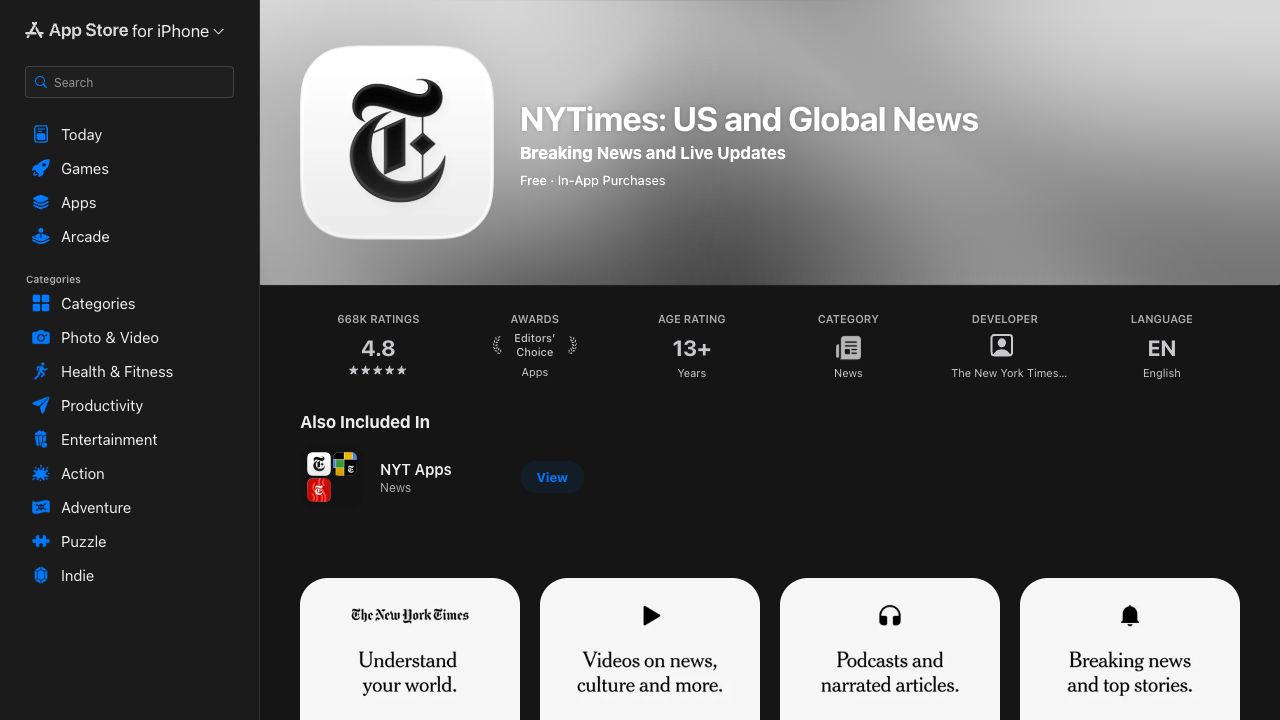
- officialApple App Store: NYTimes app
Apple's public App Store listing identifies the NYTimes app, developer, and in-app purchase context relevant to app-store-billed subscriptions.
Cancellation steps
Identify who bills the subscription
Start by checking the charge on your statement and the Subscription Overview area in your NYTimes account. NYT says third-party-billed subscriptions, including Apple App Store and Google Play purchases, must be canceled or changed through the third-party provider rather than the normal NYTimes account path.
Open Subscription Overview for NYTimes-billed plans
For eligible digital and Home Delivery subscriptions billed through The New York Times, NYT says to open your account, select Subscription Overview, choose Cancel your Subscription in the Manage Subscription section, and follow the instructions. Capture the plan name, billing period, renewal date, and any cancellation or manage-subscription screen before you submit anything.
Use phone or chat if self-service is unavailable
NYT's public cancellation help page also lists Customer Care by phone for U.S. subscribers and a chat path through the Contact us button on the cancellation article. If you use an advocate, ask for the cancellation effective date, whether access continues through the current billing period, and any refund or final-charge result in writing.
Cancel The Athletic separately if it is involved
NYT's Terms of Sale say canceling a New York Times subscription does not automatically cancel a The Athletic subscription, and the cancellation help page points Athletic-billed subscriptions to Athletic account settings. If your bundle or statement includes The Athletic, document that subscription separately before assuming all billing has stopped.
Use Apple or Google instructions for app-store billing
If the subscription was purchased through Apple or Google Play, use that platform's subscription management flow. Apple and Google both publish support pages for canceling app-store subscriptions, and NYT says third-party-billed subscriptions must be handled with the third party.
Continue until cancellation is explicit
Do not treat a downgrade offer, pause option, chat transcript before confirmation, app uninstall, or closed browser tab as proof of cancellation. The useful endpoint is a confirmation screen, email, support transcript, or app-store subscription status showing the subscription, effective date, and final billing outcome.
Common pitfalls
- NYT distinguishes between subscriptions billed through NYTimes and subscriptions billed through third parties such as Apple or Google. The wrong path may not stop future charges.
- NYT says cancellation usually affects future charges and becomes effective at the end of the current billing period, except free-trial cancellations and certain print or special-policy situations described in the Terms of Sale.
- Canceling a New York Times subscription does not automatically cancel The Athletic, according to NYT's Terms of Sale.
- For most subscriptions, NYT's Terms of Sale say fees are nonrefundable except as stated in the terms or required by law, so refund expectations should be captured before final confirmation.
- Public NYT help and terms pages list support options and hours, but support availability can change. Capture the current page or support message if timing matters.
What to capture as proof
- The billing source shown on your bank statement, app-store subscription page, Google Play subscription page, or NYTimes Subscription Overview.
- The active subscription name, product bundle, renewal date, current billing period, price, and whether The Athletic is included or separately billed.
- The NYTimes Subscription Overview or Manage Subscription screen before cancellation, with unnecessary personal details cropped or hidden.
- Any screen or agent message that states whether cancellation is immediate, effective at the end of the current billing period, or tied to a free trial.
- Any refund, credit, final-charge, print-delivery, or remaining-access language shown before confirmation.
- Retention offers, pause options, support wait screens, unavailable self-service messages, or instructions to cancel through Apple, Google, or another provider.
- The final cancellation confirmation page, email, app-store status, Google Play status, or support transcript showing the effective cancellation date.
Frequently asked questions
Can I cancel The New York Times online?
For eligible digital and Home Delivery subscriptions billed through NYTimes, yes. NYT says to use Account, open Subscription Overview, select Cancel your Subscription in Manage Subscription, and follow the instructions. Third-party-billed subscriptions must be canceled through that provider.
Can I cancel The New York Times by phone or chat?
NYT's public cancellation help page lists U.S. Customer Care by phone and says subscribers can use the Contact us button on that article to chat with a Care Advocate. Capture the current support page or transcript because hours and availability can change.
Does canceling NYTimes cancel The Athletic too?
Not automatically. NYT's Terms of Sale say canceling a New York Times subscription does not automatically cancel The Athletic, and its cancellation help points Athletic subscriptions to Athletic account settings.
Will The New York Times refund the rest of my subscription?
NYT's Terms of Sale say cancellation generally stops future charges and becomes effective at the end of the current billing period. Except as stated in the terms or required by law, subscription fees are nonrefundable and access usually continues for the rest of the current period.
What proof should I keep after canceling The New York Times?
Keep the billing source, Subscription Overview, manage-subscription or app-store screen, any support transcript, refund or final-charge language, and the final confirmation. A local Kept recording can help show the full sequence if a later billing dispute depends on what was shown at the time.